> ## Documentation Index
> Fetch the complete documentation index at: https://docs.onestack.cloud/llms.txt
> Use this file to discover all available pages before exploring further.
# Multiple schedules
You can set multiple schedules in the availability section of the application and organize your event types better by customizing your availability, quite simply, by selecting respective schedule as the availability for an individual event type. You can check [Setting up your availability](https://cal.com/docs/platform/atoms/availability-settings#availability-settings) to link your created availability schedule with an event type.
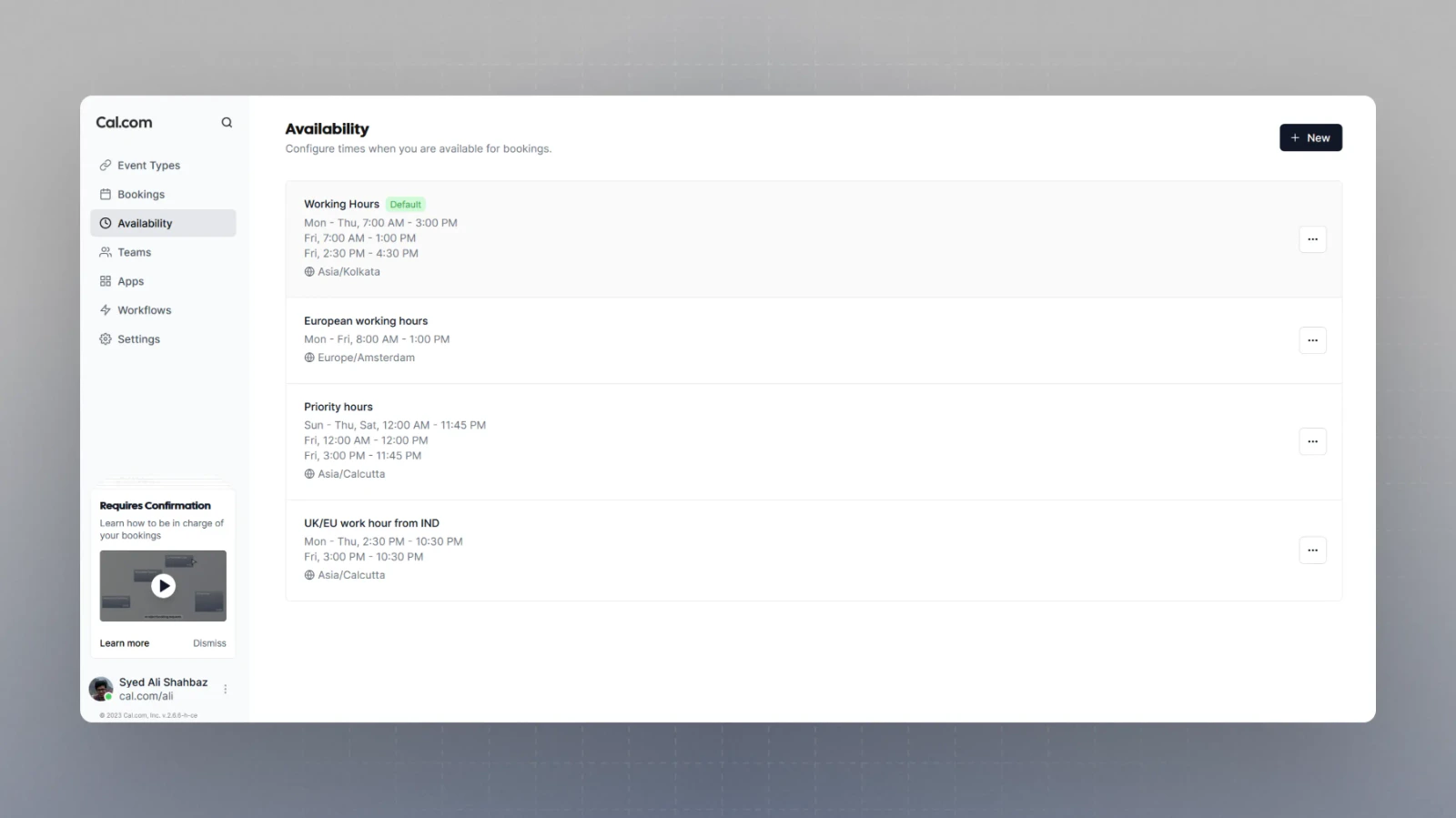 This feature is particularly useful if you wish to dedicate different event types over different time-zones as you can set up an availability schedule for every time-zone you wish to schedule around.