> ## Documentation Index
> Fetch the complete documentation index at: https://docs.onestack.cloud/llms.txt
> Use this file to discover all available pages before exploring further.
# Power K
## The power of Power K[](#the-power-of-power-k "Direct link to The power of Power K")
### Search[](#search "Direct link to Search")
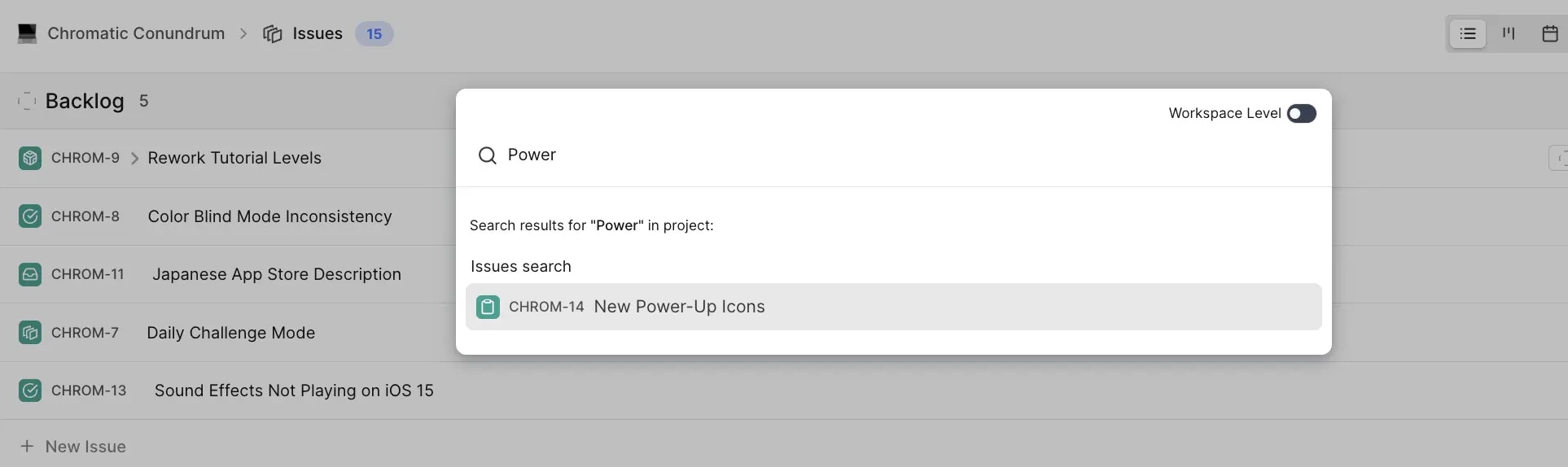
* Remember just a few words from the titles of anything in Plane? Power-K it. As you start typing, work items, cycles, and modules from your project matching your search term will start showing up.
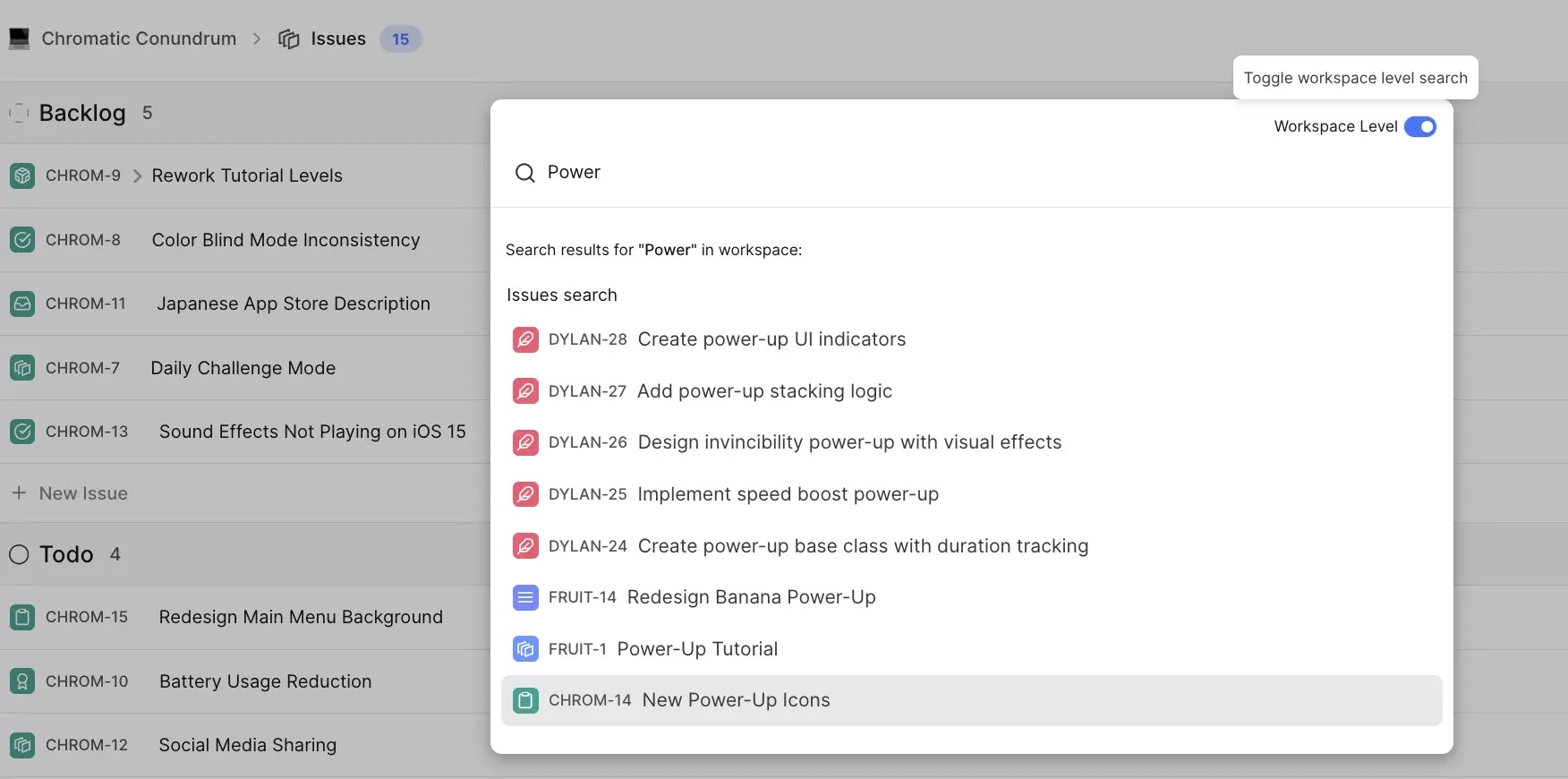
 * Expand the scope of this search to include projects in your workspace with just a toggle—powerful when you have several projects and are hunting a work item in all of them.
 🎯 Roadmap item Search profiles, comments, and work item descriptions
### Quick access[](#quick-access "Direct link to Quick access")
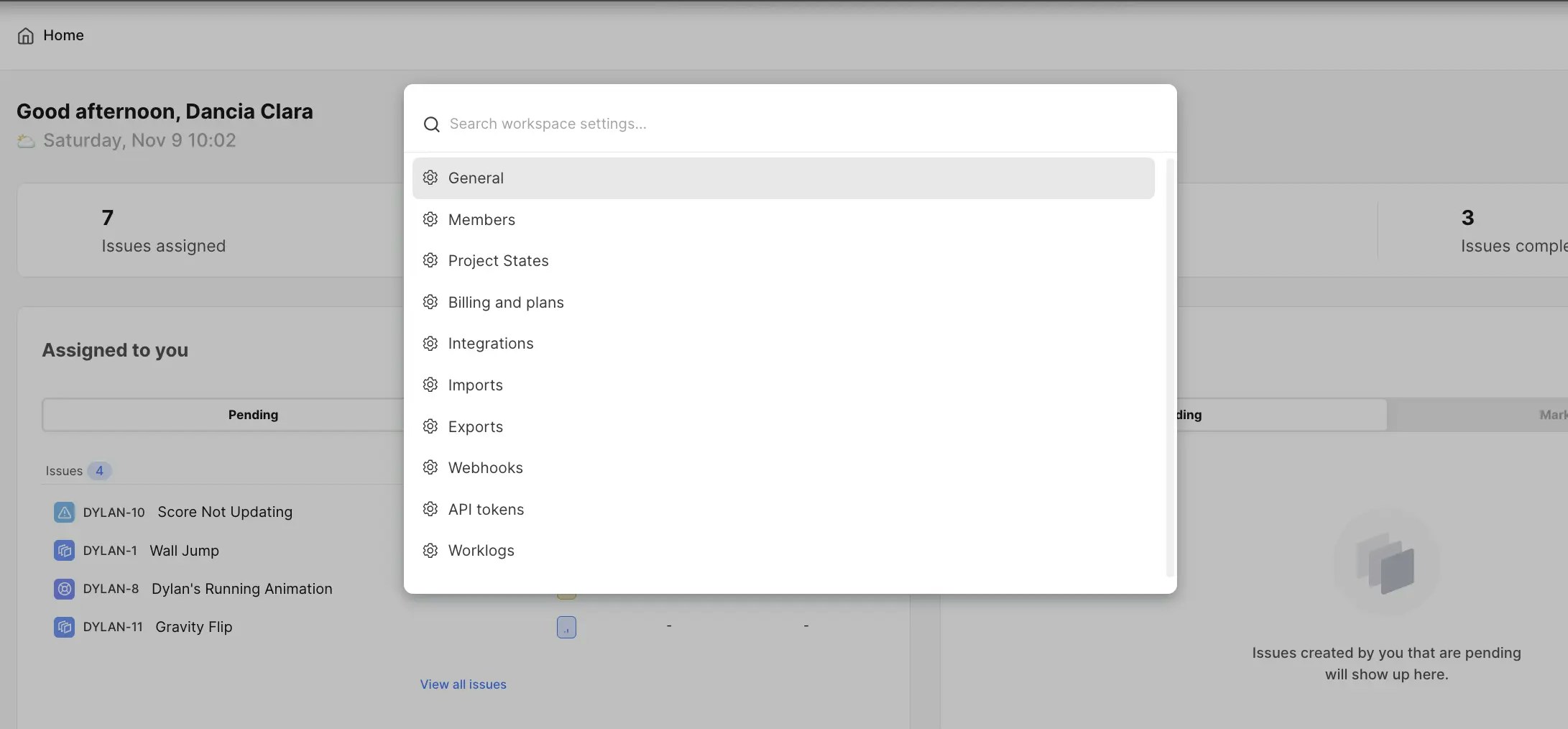
* **Workspace and preference settings** Quickly toggle between light and dark mode or access workspace settings for APIs and Webhooks in just two clicks.
🎯 Roadmap item Search profiles, comments, and work item descriptions
### Quick access[](#quick-access "Direct link to Quick access")
* **Workspace and preference settings** Quickly toggle between light and dark mode or access workspace settings for APIs and Webhooks in just two clicks.
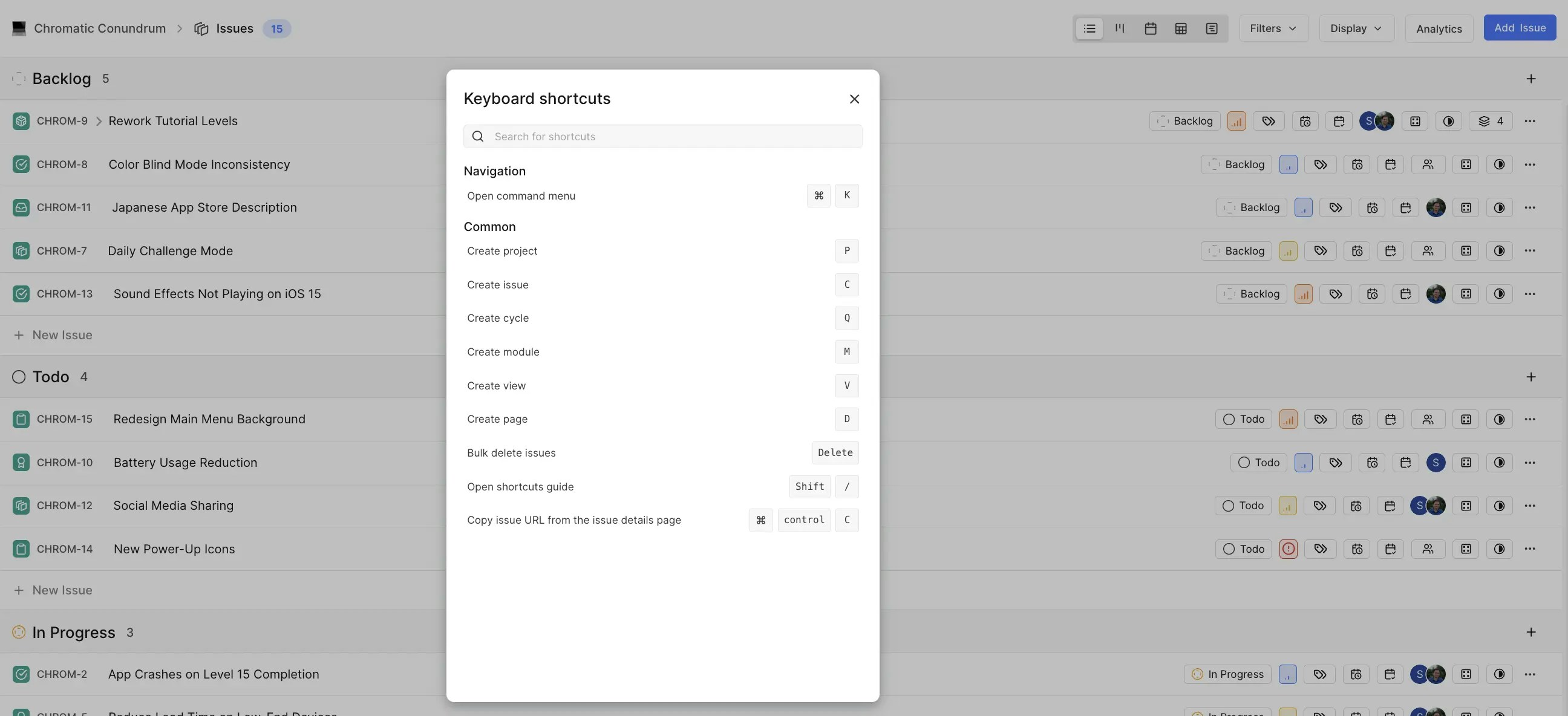
 * Keyboard shortcuts Get to your list of keyboard shortcuts with the Power K menu in two steps.
 * Documentation and Support Chat with us, see our docs, or report a bug—all from the Power K menu.
### Create[](#create "Direct link to Create")
* Create anything—projects, work items, cycles, modules, views, pages, and even workspaces, using Power K's create options.
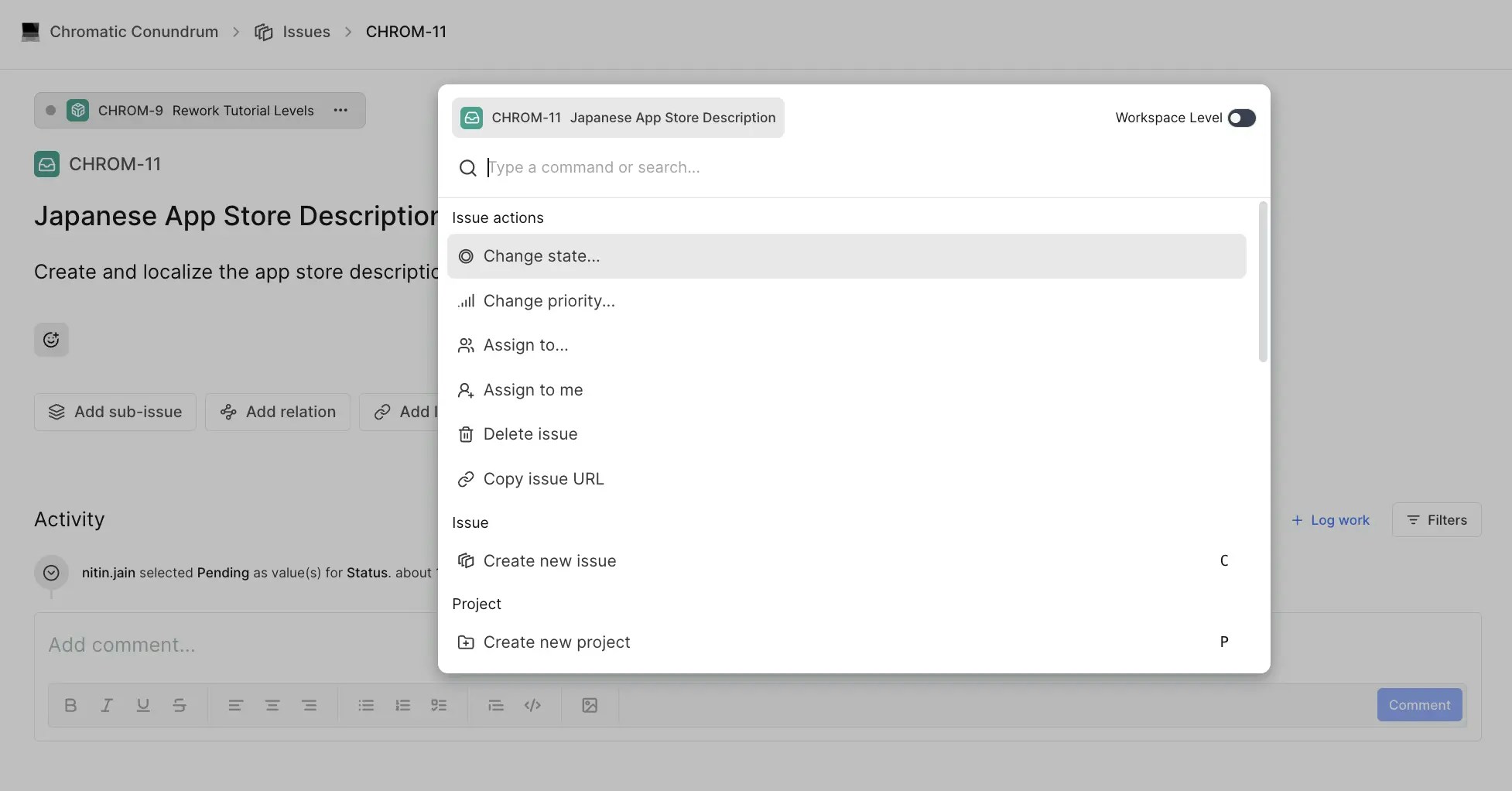
* Press ⌘ + K on a work item page to change states, priority, assignments or just to copy work item links.
* Documentation and Support Chat with us, see our docs, or report a bug—all from the Power K menu.
### Create[](#create "Direct link to Create")
* Create anything—projects, work items, cycles, modules, views, pages, and even workspaces, using Power K's create options.
* Press ⌘ + K on a work item page to change states, priority, assignments or just to copy work item links.